Technology content writer, Ethical hacker,blogger. interested to write about Latest Tech Updates how to tutorials especially on Android, iPhone, Computer, Internet, Social Networks, etc .
PUBG Mobile is one of the most played online multiplayer games. Millions of users have played the game and it has grown in popularity during the lockdown. However, not all players in PUBG Mobile boast a similar amount of skill and this is where the ranking system of the game comes in. Similar to many skill-based mobile games, PUBG Mobile uses eight ranks to determine the players' skill level. Winning games offers players ratings which increases their ranks and losing in the early stages of a match results in de-ranking. Here is a look at the ranking system in detail. #1 Bronze PUBG Mobile Bronze Rank The Bronze rank is the most basic rank given to players after they have played their first match on PUBG Mobile. It has five tiers from Bronze V to Bronze I. This rank mostly comprises the players who have recently started playing PUBG Mobile. Plenty of bots are present in the game, which makes the game easier to play for the newcomers. #2 Silver ...
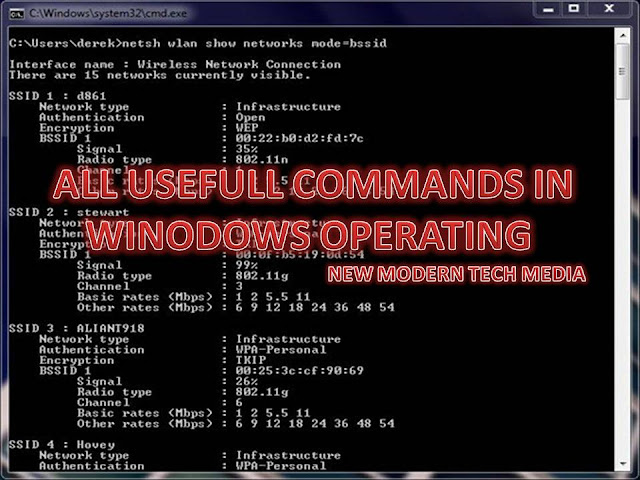
-BY SUNILKUMAR CHOUDARI While the commands in Windows 10, 8, 7, Vista, and XP are called CMD commands or Command Prompt commands, the commands in Windows 98/95 and MS-DOS are called DOS( disk operating system) commands. In this article, we have listed the most commonly used commands in the Windows operating systems But before we move further, we will see how to open Command Prompt program in Windows. This can be done in four ways : Method 1: Open the program in Start Menu Click the lower-left Start button to open the Start Menu, type cmd in the empty box and tap Command Prompt in the results. Method 2: Turn on Command Prompt by search. Tap the Search button on the taskbar, type cmd in the search box and choose Command Prompt on the top. Method 3: Open ...
From solving Maths equations to identifying plants to translating words in any language, there are apps that can make you do all this and more using your smartphone's camera. Wonder which ones? Here are few of them. #My Scans (available both on Android and iOS): Can crop and scan documents, also has file and folder organiser to print directly from phone There are a lot of scanning apps but My Scans is simple and easy to use. It automatically does document edge detection and crops so that scans don’t look ‘unprofessional’. There is a file and folder organiser and you can directly print documents from your smartphone. There are also a bunch of Cloud-related features but you have to pay for them. #Warden Cam: (available both on Android and iOS): Can turn your old smartphone or tablet into surveillance camera The app that turns an of your old smartphone or tablet into a surveillance camera. Warden Cam can be installed not two phones — use one as recorder and other as a vie...
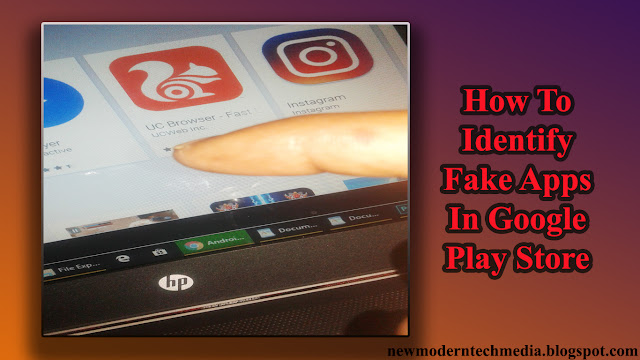
The method is quite simple and straight as you just need to analyze the app for some factors that will be surely different from the official app and you can judge that app is fake or not. So follow the below steps to proceed. #APPLICATION NAMES One of the most common thing that you will find in the fake app is their name will be somehow similar to the official apps and something related to that. Like Facebook messenger instead of Facebook messenger and also like android WhatsApp messenger etc where the official app is just Whatsapp Messenger. So you can judge the app from this also. #DEVELOPER NAMES Some of the users rarely check the developer name but it is very important as in the Fake apps you will see some uncommon names whereas in the official apps you will see the well-known developers name. You can simply Google the developer’s name also to verify that the app is genuine one or not. #DOWNLOADS In official apps, you will see millions of inst...